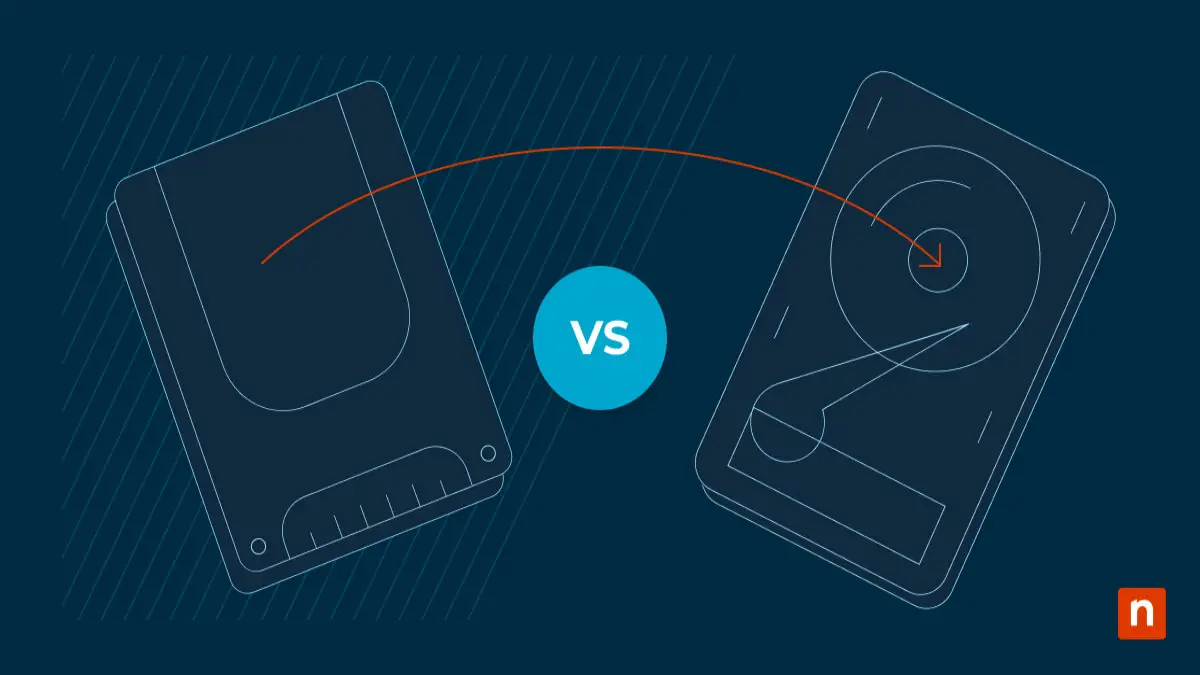
In 2026, choosing between an SSD and an HDD is more than just deciding on speed or price. Changes in software, cloud-based apps, and everyday computing demands have reshaped storage choices for U.S. buyers. Whether you’re upgrading a laptop, building a new PC, or adding external storage, understanding the latest rules can save both time and money.
Why SSDs Are Essential in 2026
Solid State Drives (SSDs) have moved from being a premium upgrade to the standard storage option in almost all new laptops and desktops sold in the U.S. They offer faster boot times, smoother multitasking, and near-instant app loading, making devices feel significantly more responsive. Modern operating systems, cloud applications, and AI-powered software are now designed to perform optimally on SSDs. Using an HDD as the primary drive can result in lag, longer startup times, and slower software updates. For most U.S. buyers, SSDs are now essential rather than optional.
HDDs Still Have a Role, But It’s Changing
Hard Disk Drives (HDDs) are still valuable for bulk storage. They are ideal for saving large files such as videos, photos, backups, and archives, offering more storage for a lower cost than SSDs. Many U.S. households and small businesses continue to use HDDs as secondary or external drives. However, they are no longer suitable for running modern operating systems or frequently used applications due to slower speeds.
Speed vs Storage: What Matters Most
In 2026, speed is more important than ever for productivity. SSDs provide instant file access, quicker system updates, faster software installation, and smoother multitasking. Even a smaller SSD often delivers a superior experience compared to a larger HDD. For U.S. buyers, prioritizing SSD speed over raw storage size is usually the smarter choice.
Hybrid Storage: The Best of Both Worlds
Many buyers in 2026 are choosing hybrid storage setups, combining SSDs and HDDs for optimal performance. An SSD handles the operating system and frequently used apps, while an HDD stores large media files and backups. This combination offers speed where it matters most and capacity where it counts, making it ideal for students, professionals, and home office setups.
Durability and Power Efficiency
SSDs have no moving parts, making them far more resistant to drops, shocks, and wear over time. HDDs, with spinning disks, are more vulnerable to damage. Additionally, SSDs consume less power than HDDs, contributing to longer battery life in laptops—a critical advantage in 2026 as portable devices become thinner and more energy-efficient.
Final Verdict for U.S. Buyers in 2026
SSDs are essential for speed, reliability, and everyday computing, while HDDs remain useful for extra storage. Avoid HDD-only systems for modern workflows. Upgrading an older HDD-based system to an SSD is one of the simplest ways to improve device performance. The choice in 2026 is no longer about SSD or HDD—it’s about understanding how to use both efficiently to get the best combination of speed, storage, and reliability.